Welcome to
The Crypto Treasure Map
You are about to unlock an adventure that will carry you far into the realms of crypto learning—and
open the doorway to activating the full power of Artificial Intelligence in your favor.
Follow the steps below and begin a journey that is magical, transformative, and richly enlightening:
2
CREATE YOUR PHANTOM WALLET
- 1Go to https://phantom.com/
- 2
Download the app or the browser extension.
- 3
Click “Create New Wallet.”
- 4
Set a secure password.
- 5
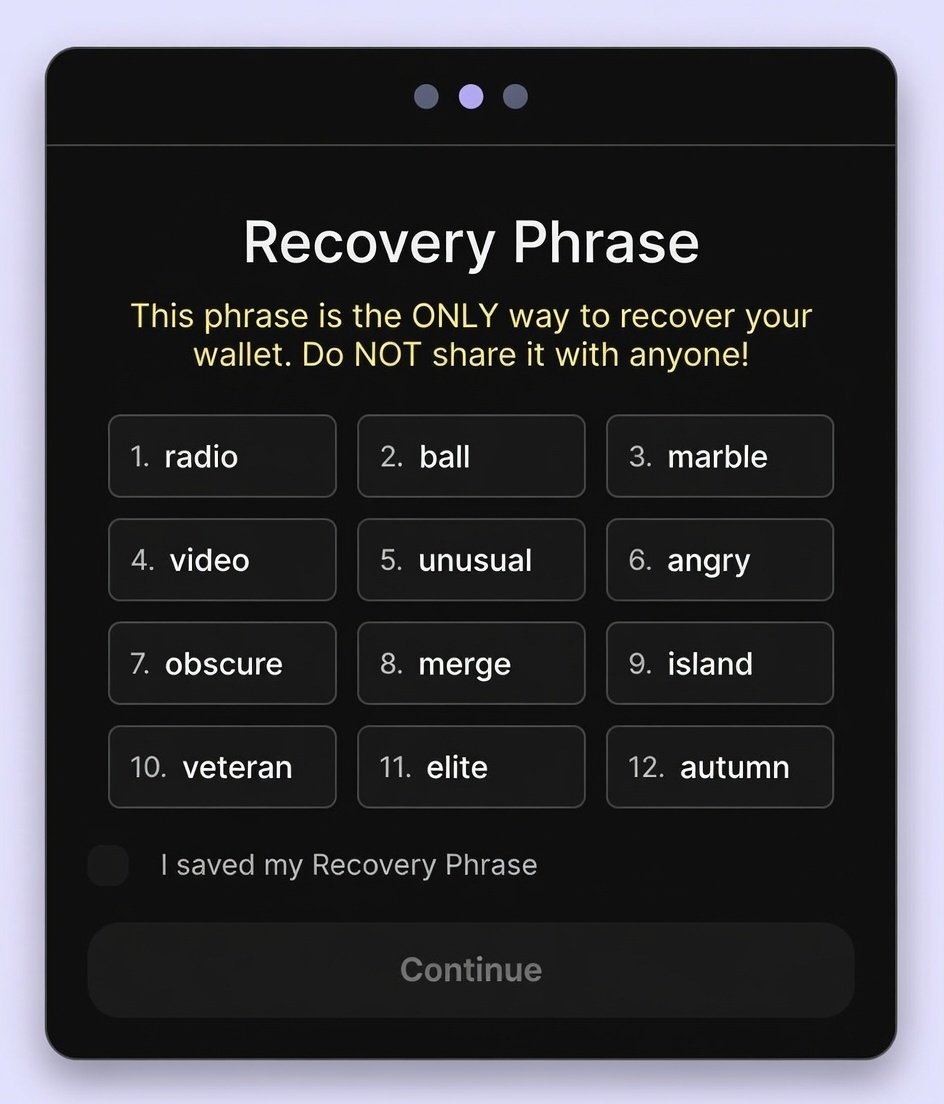
Safely store your 12-word secret recovery phrase (do not share it with anyone)…

- 6
Confirm the recovery phrase.
- 7
Your wallet is now ready to use.
3
LOAD FUNDS INTO YOUR WALLET
- 1
Open your Phantom Wallet.
- 2
Click or tap “Buy” (Coinbase Recommended)
- 3
Select your payment method (credit card, bank transfer, etc.).
- 4
Purchase $12 USD in SOL
(approximately $10 for The Crypto Treasure Map + gas fees). - 5
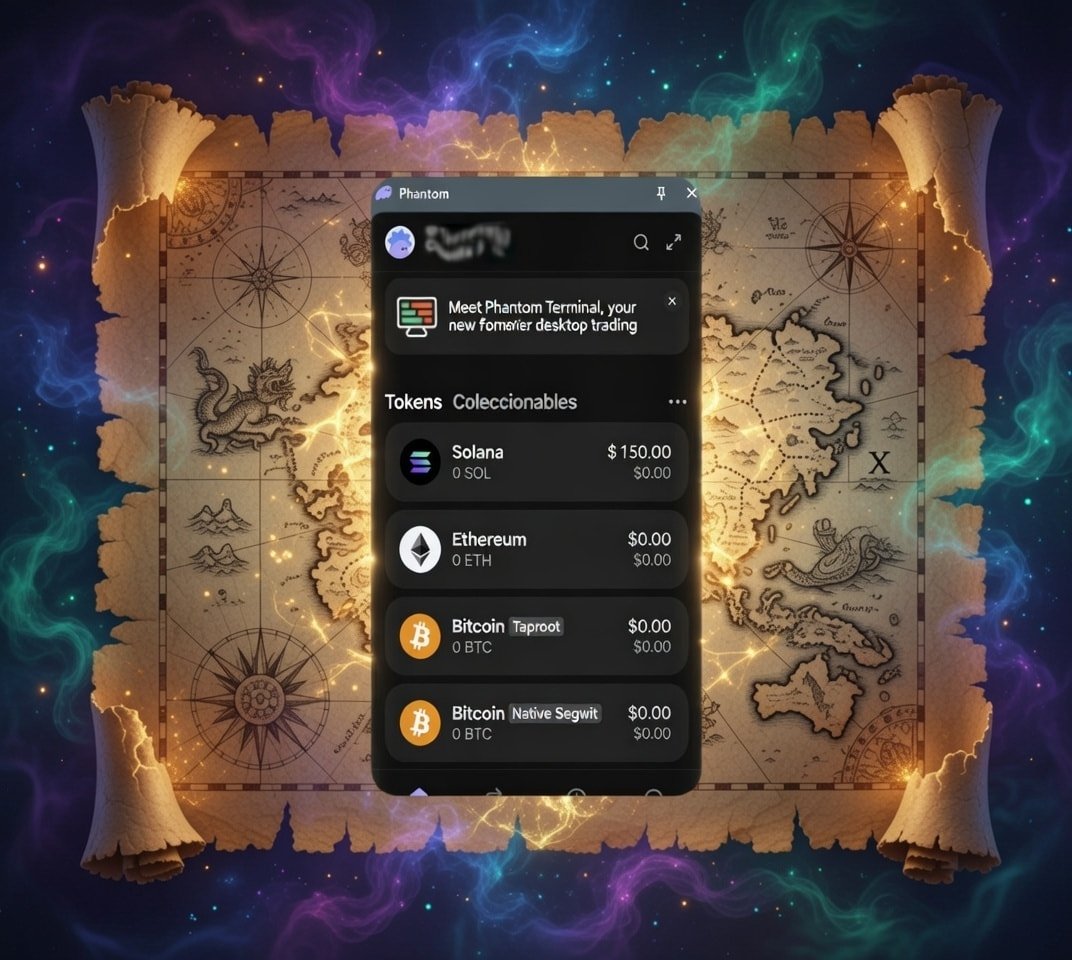
Confirm the transaction and wait for the SOL to appear in your wallet.

4
SEND YOUR PAYMENT
- 1
Open your Phantom Wallet.
- 2
Click or tap “Send”
- 3
In the Recipient field, paste the following wallet address:
9xDemoCryptoTreasureMapWallet1 - 4
Make sure:
- The network is Solana (SOL)
- The selected asset is SOL
- 5
Enter the amount equivalent to $10 USD in SOL.
- 6
Click “Send” or “Confirm”
- 7
Your $10 SOL payment to The Crypto Treasure Map has been successfully completed.
5
WHAT HAPPENS NEXT
You will receive an email containing:
Once you receive the email, click LOGIN and enter your credentials.